
Ettermæle Studio
Your own photo app.
Restore old photographs and create personal portraits in different styles. Download your results in high quality, without a watermark.
Use Studio in your browser on your phone or computer. No installation or print purchase needed.
Photo restoration in Studio
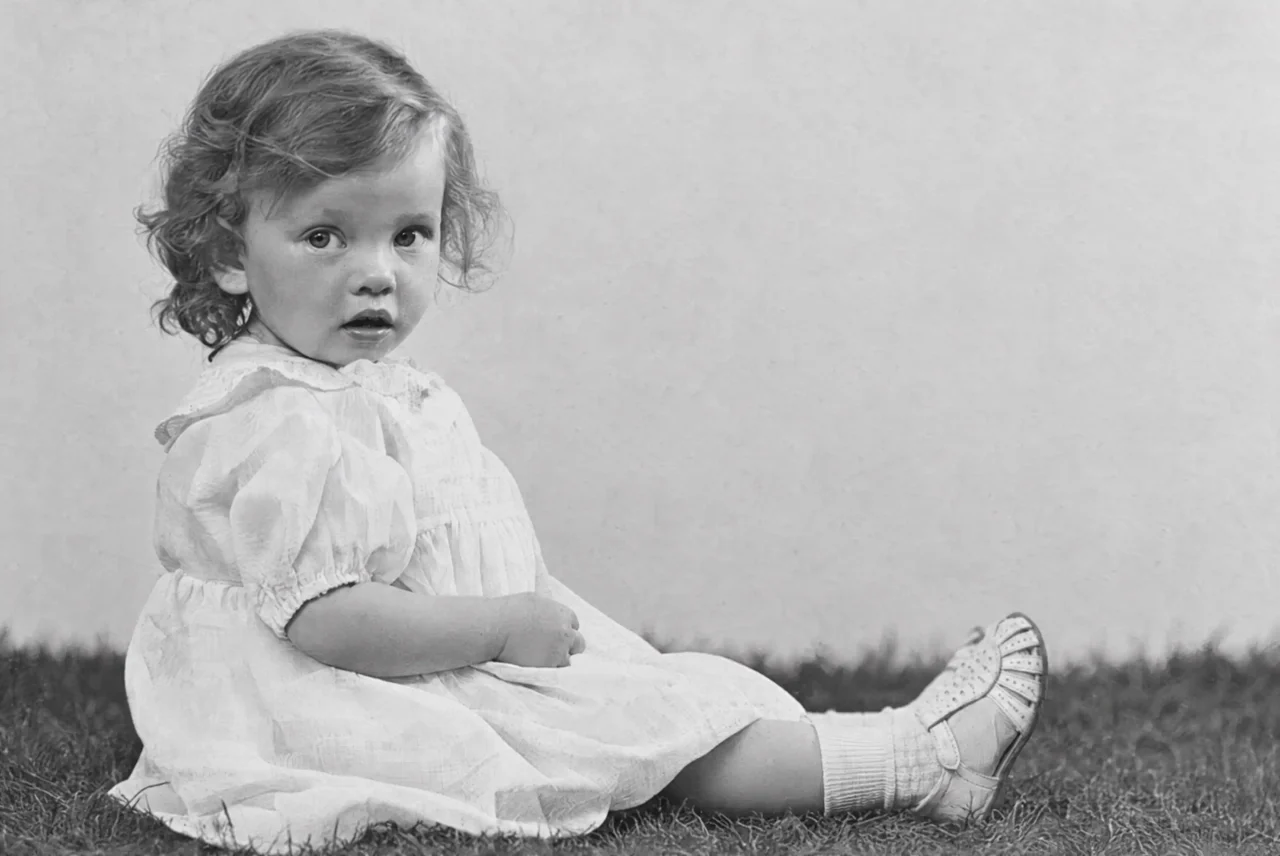
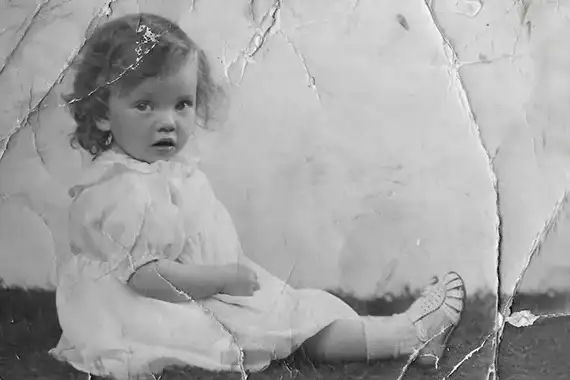
Old photographs. New life.
Restore faded and damaged family photographs. Upload your photograph in Studio and download the restored version in high quality, without a watermark.
Photograph the paper print with your phone or upload a scan. Results depend on the original; missing details may be interpreted.
Personal portraits in Studio
Your photograph. Your expression.
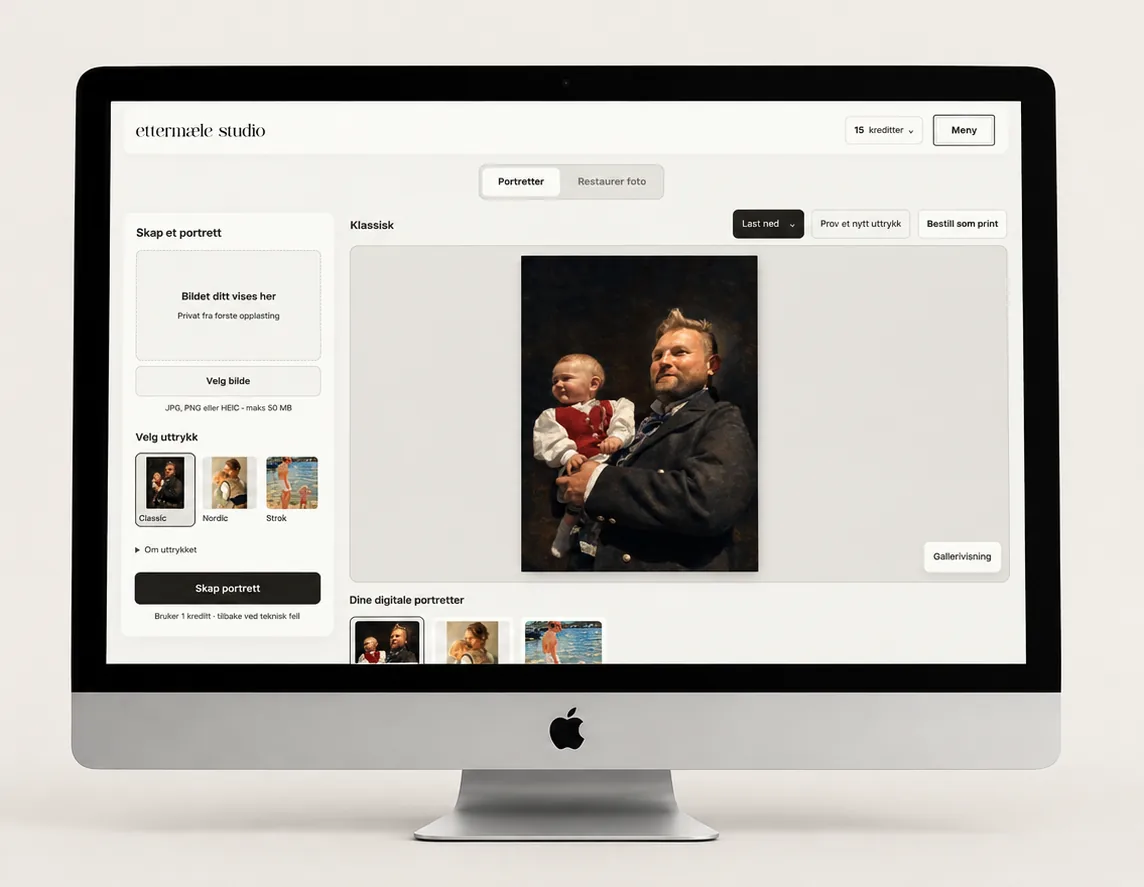
Explore Ettermæle styles with photographs that matter to you. Choose a lifelike look or more visible brushwork and painterly texture within your chosen style.
Your portraits are kept in your private Studio. Download them to your phone, share with family or create an A4 print file at 300 dpi to print yourself.
Inside the app
From your photograph to your result.
-
Upload your photograph
Choose a photograph from your phone or computer.
-
Choose portrait or restoration
One credit is used when you start a new image treatment. A new version uses another credit.
-
Download and keep your result
Your results are private and available without a watermark. You can also order a print separately.
Your Studio access
Start with an old photograph.
Buy credits and use them whenever you create a new portrait or restore a photograph. No subscription. Downloading your completed images uses no extra credits.
Already have an account or received credits? Sign in and open Studio
15 Studio credits
One-time purchase. No subscription.
Your print benefit is applied automatically when you sign in after your Studio purchase.
- Studio credits for portraits and photo restoration. Download your results in high quality, without a watermark.
- 1 credit per portrait or restoration. Order physical prints separately, with no extra credits.
- Create an A4 print file at 300 dpi to print yourself.
The print benefit is applied automatically when you sign in, after a paid Studio purchase. Applies to your first print order; cannot be combined with other discount codes. Print size depends on the file resolution.
Continue to secure checkout. Your account is created during checkout, and Studio opens after payment.
Before you get started
Do I need to order a print?
No. Studio is a separate photo app with downloadable results. A physical print or frame is an optional purchase.
Do I need to install anything?
No. Studio works in your browser on your phone and computer. Sign in to find your images again.
How do credits work?
Creating a portrait or restoring a photograph uses one credit. Trying another style or version uses a new credit. Downloads of completed results use no extra credits. A credit is returned if treatment fails for a technical reason.
How is this different from the homepage preview?
The homepage preview helps you choose a portrait to order as a print. In Studio you work with digital images, choose between portrait versions and download your results without a watermark.